
For Shopify teams that want to immediately see which products, variants, and bestsellers are unavailable.
Why this matters
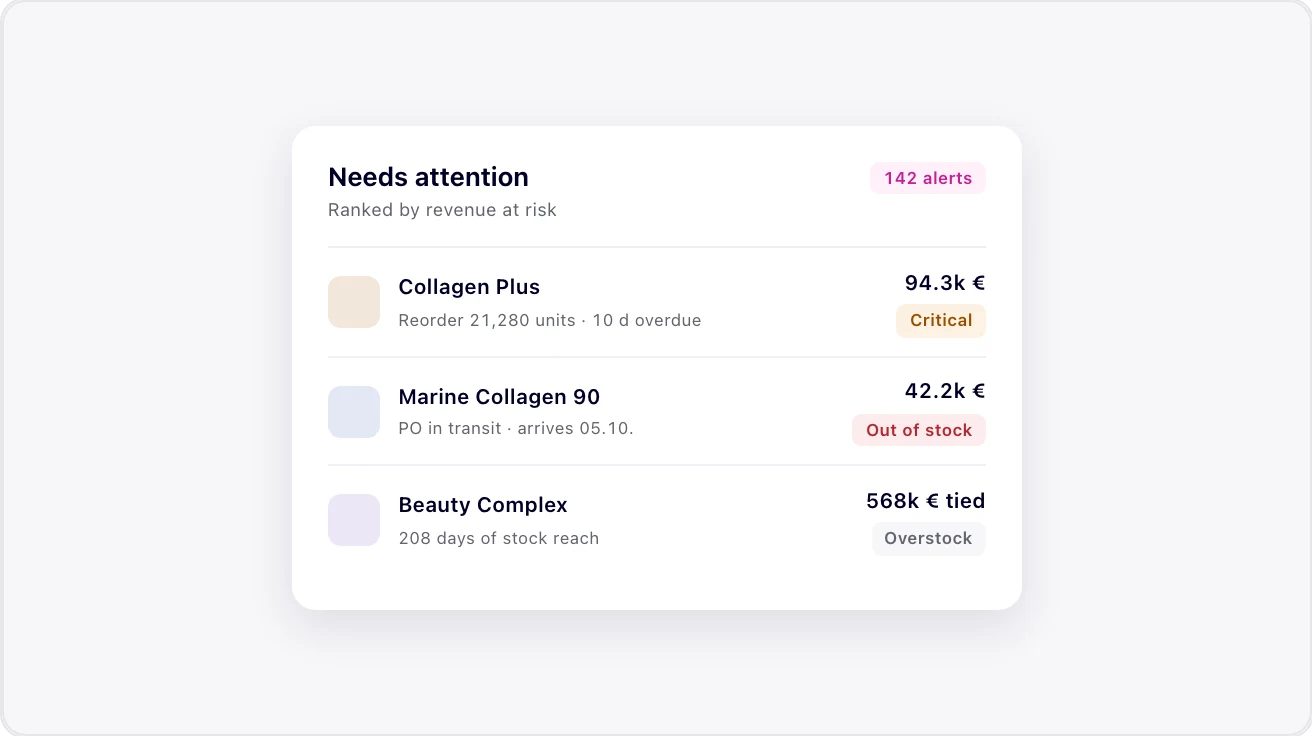
The OOS checker is the fastest way to turn an abstract inventory problem into a concrete priority list. It does not only show that products are sold out; it shows which variants and bestsellers matter most.
The key difference is prioritization. A total OOS rate can look harmless when long-tail products are affected. But when bestseller sizes, colors, or bundles are missing, revenue loss appears immediately and performance marketing becomes inefficient.
As a tutorial page, this resource explains how teams should interpret the checker: first bestsellers, then variants, then estimated revenue loss, then reorder questions and forecast gaps. This creates a concrete audit plan instead of only a dashboard screenshot.
Chapters and takeaways
01 Scan the store
The checker analyzes Shopify products and variants to make assortment unavailability visible.
02 Prioritize bestsellers
Bestseller OOS is usually more relevant than a pure total rate because this is where revenue loss and paid-media leaks happen.
03 Derive an audit
The results reveal reorder questions, forecast gaps, and cash-flow levers.
Operator checklist
- Check the Shopify domain
- Evaluate bestseller OOS before total OOS
- Export or note top OOS products
- Interpret revenue loss conservatively
- Derive reorder and forecast questions